New: Roster filters
Filter and sort any roster, right where you are
Rosters are where you size up a company: who an agency represents, who a label has signed, who a manager looks after. Until now, finding the right names on a big roster meant scrolling. Today every roster in ROSTR gets its own filter bar, so you can narrow thousands of artists down to the handful you need without leaving the page.
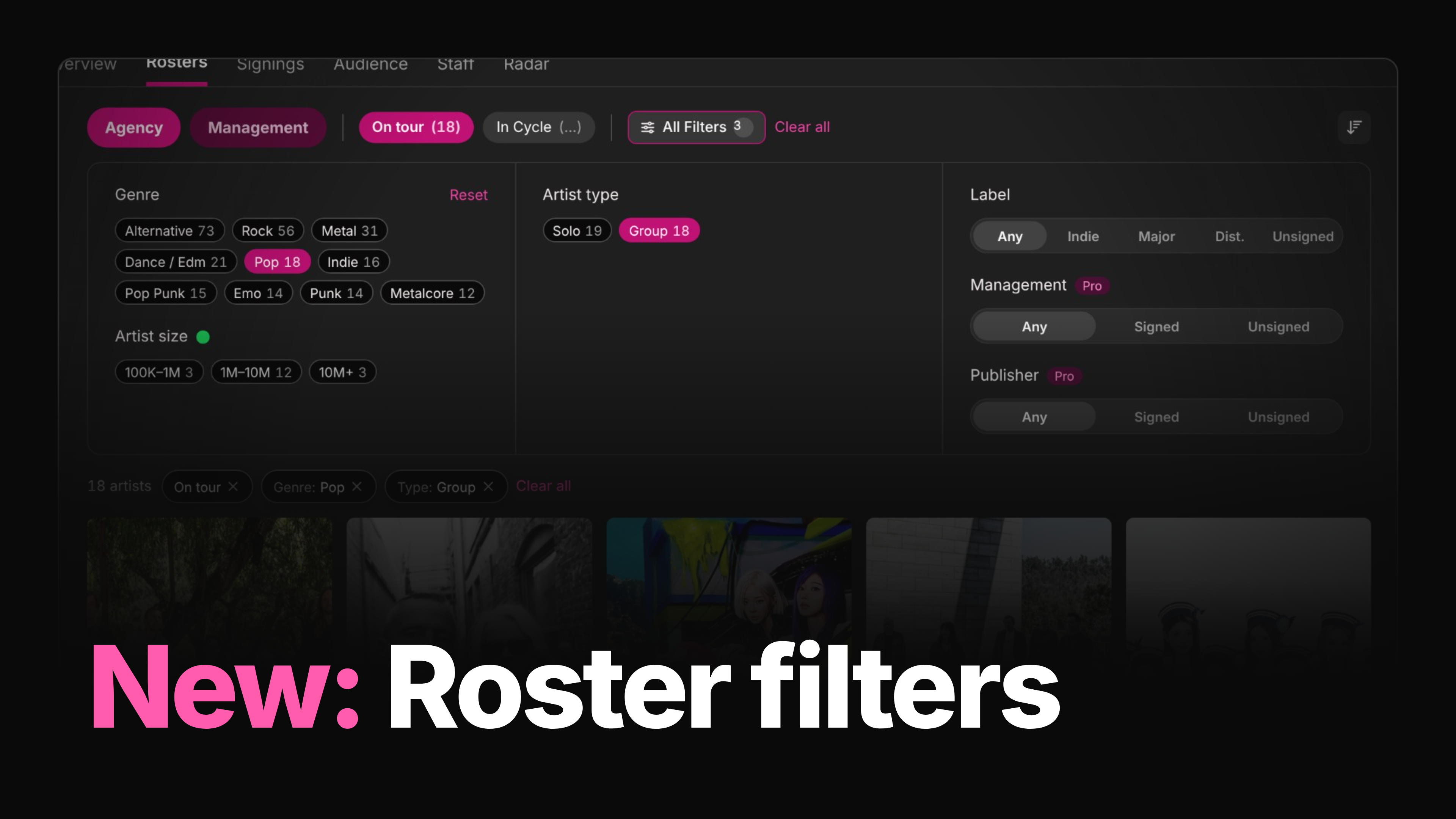
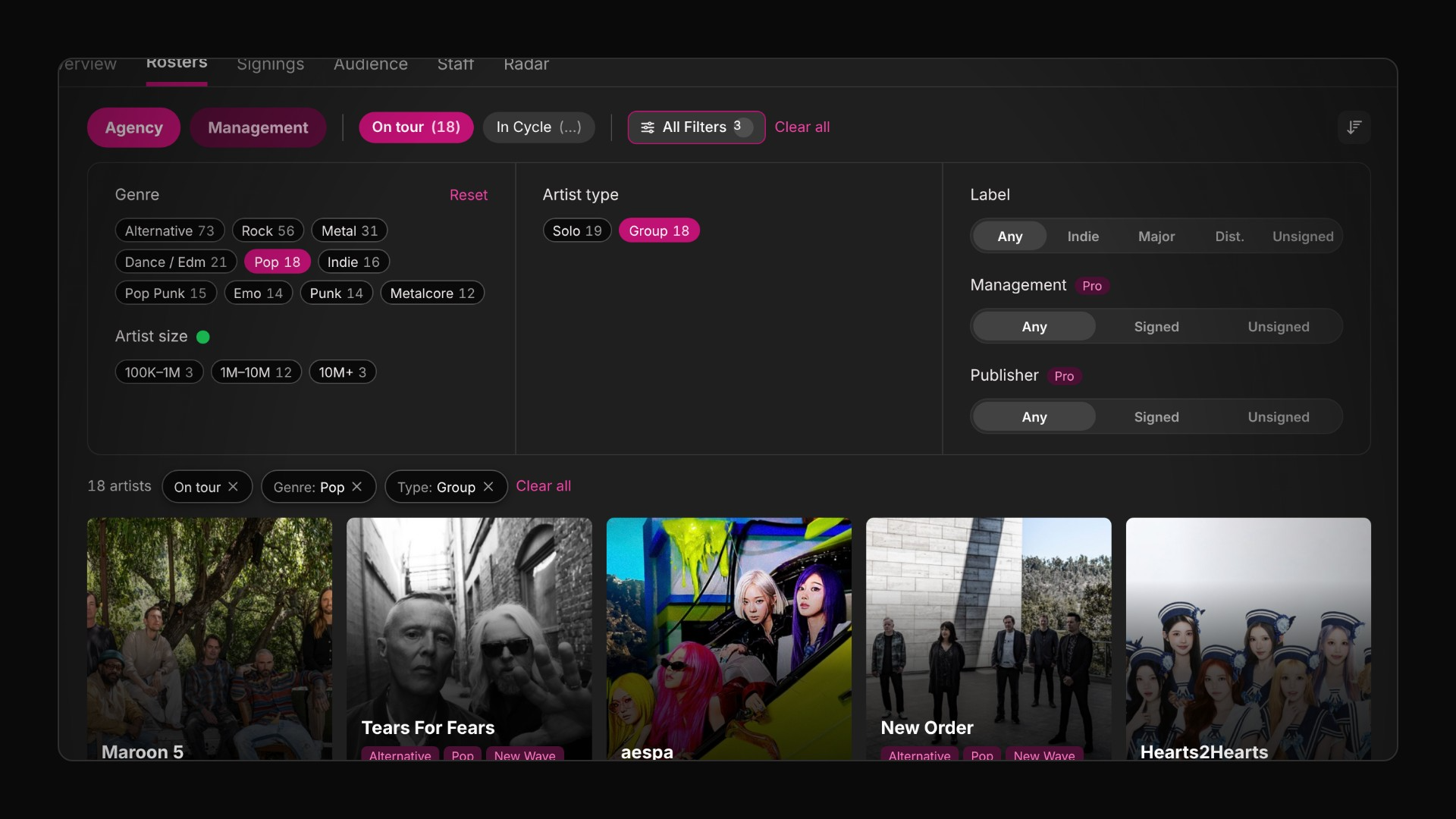
Take CAA's agency roster. It lists 2,341 artists. With roster filters you can get to the 18 pop groups on tour right now in three clicks, then sort them by size or audience.
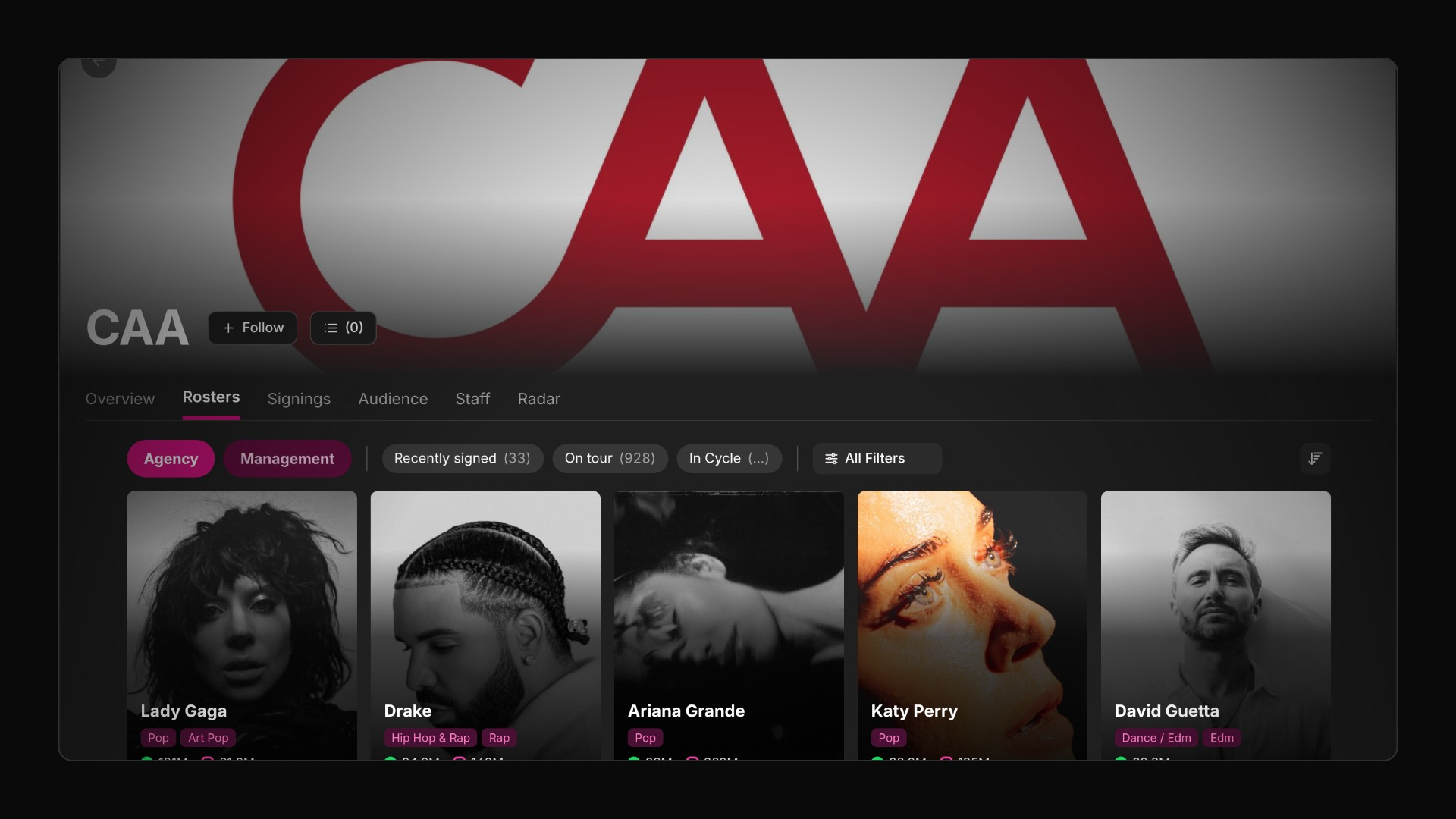
Here is everything that's new:
Quick filters for the questions you ask most: On tour, In Cycle and Recently signed.
All Filters, one panel with every facet and a live count beside each option.
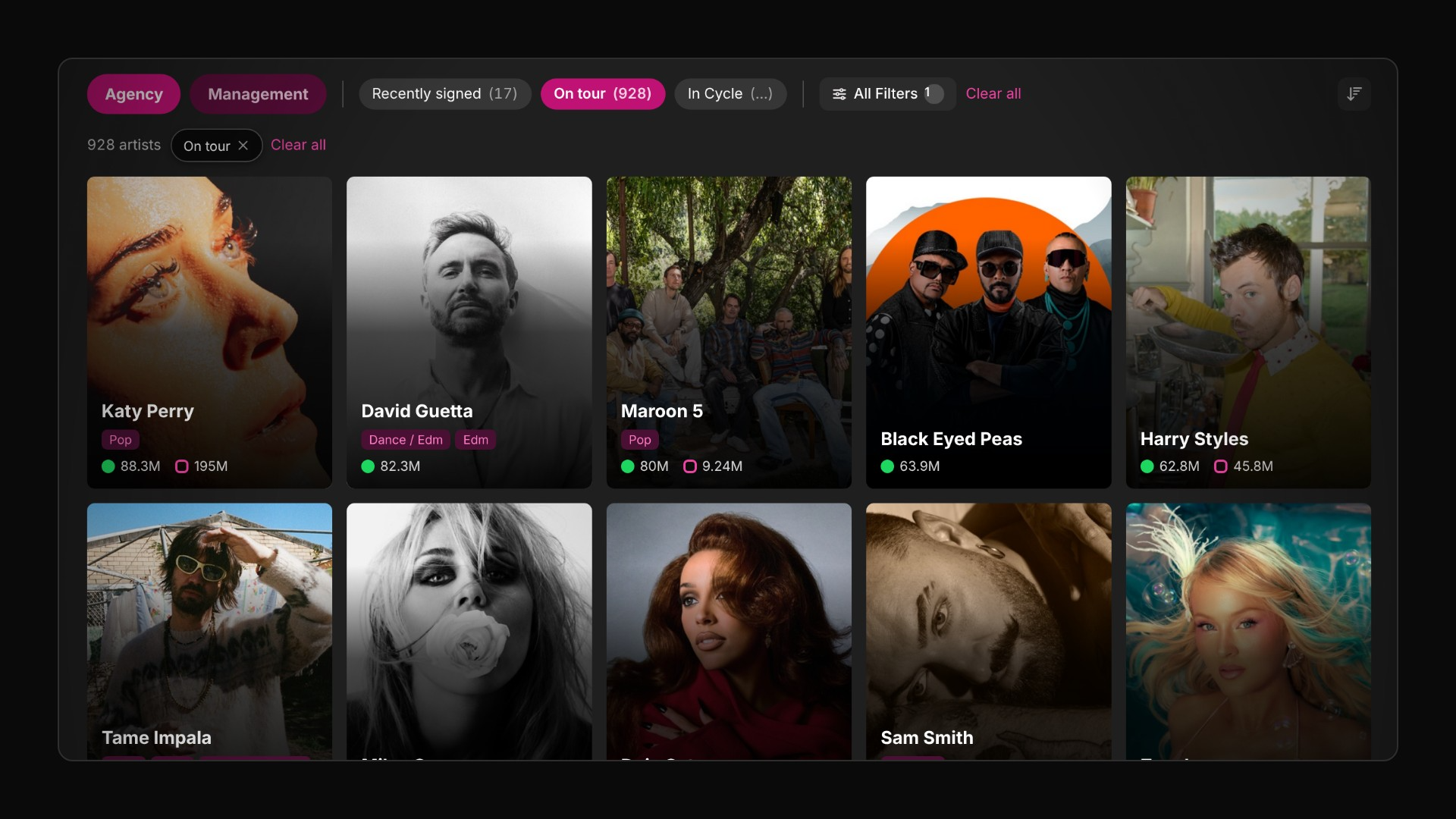
Stacking: combine as many filters as you like, with chips showing what's applied.
Sorting by artist size, name, or Instagram and YouTube audience.
Quick filters: one click to the answer
The filter bar starts with three quick filters, each one a question people ask about a roster every day:
On tour shows artists with upcoming shows.
In Cycle shows artists in an active release cycle.
Recently signed shows artists added to the roster recently.
Click one and the list updates in place, along with the count at the top. On CAA's roster, On tour takes you from 2,341 artists to 928. Recently signed brings up 33.
All Filters: every facet in one panel
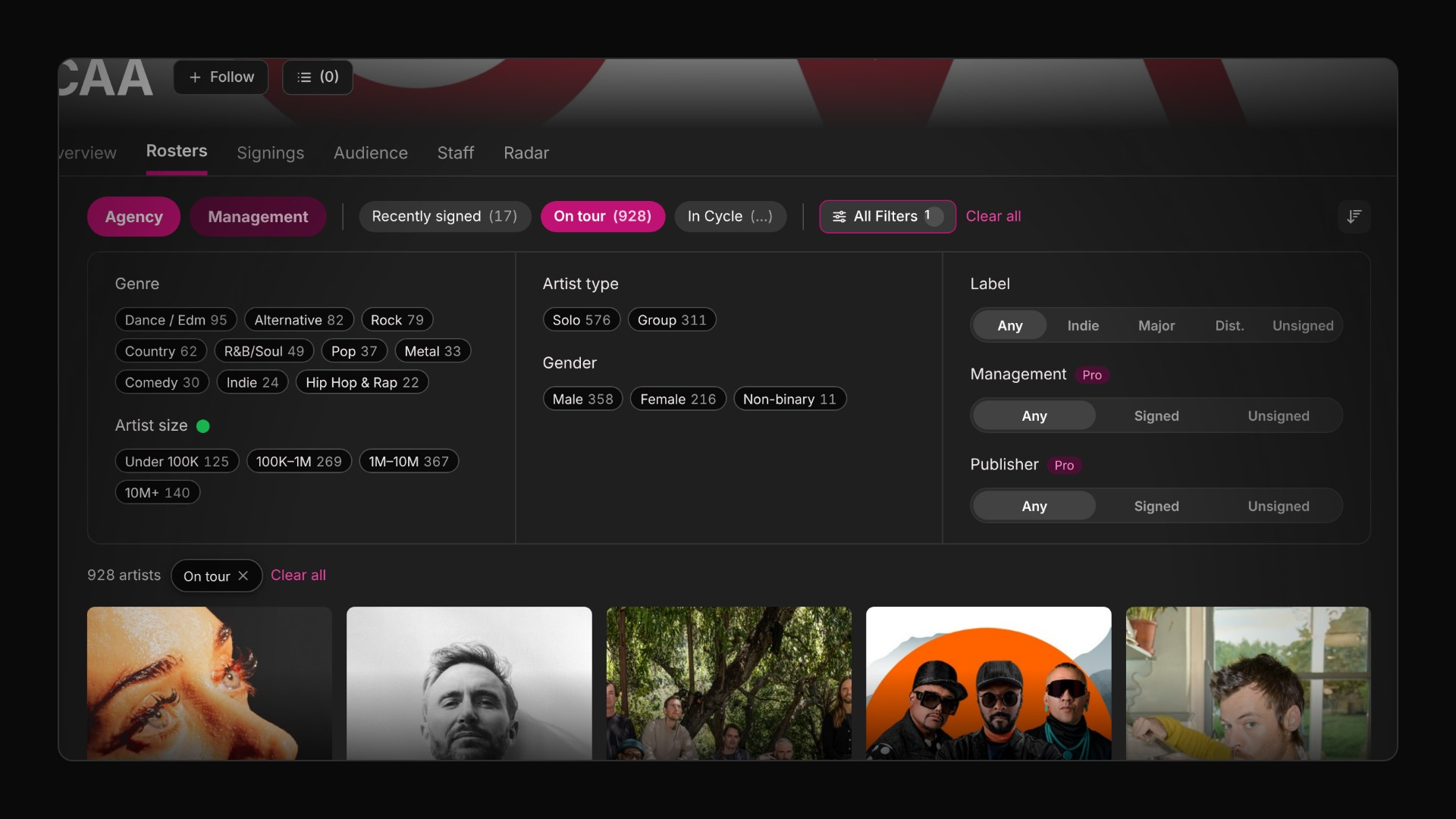
When you need more than a quick filter, open All Filters. It brings every facet together in one panel:
Genre
Artist size
Artist type (solo artist, group and so on)
Gender
Label
Management (Pro)
Publisher (Pro)
Every option shows a live count, so you know how many artists you'll get before you click. The counts follow whatever else you've applied, which means you never pick a filter that leaves you with an empty list.
Stack filters to find the exact act
Filters combine, so each one you add narrows the list further. Here's how CAA's roster narrows step by step:
Each active filter appears as a chip above the results, so you can always see what's applied and remove any one of them with a click. As you narrow down, facets with no matching artists drop out of the panel. After adding Group, for example, Gender disappears.
Sort by size, name or audience
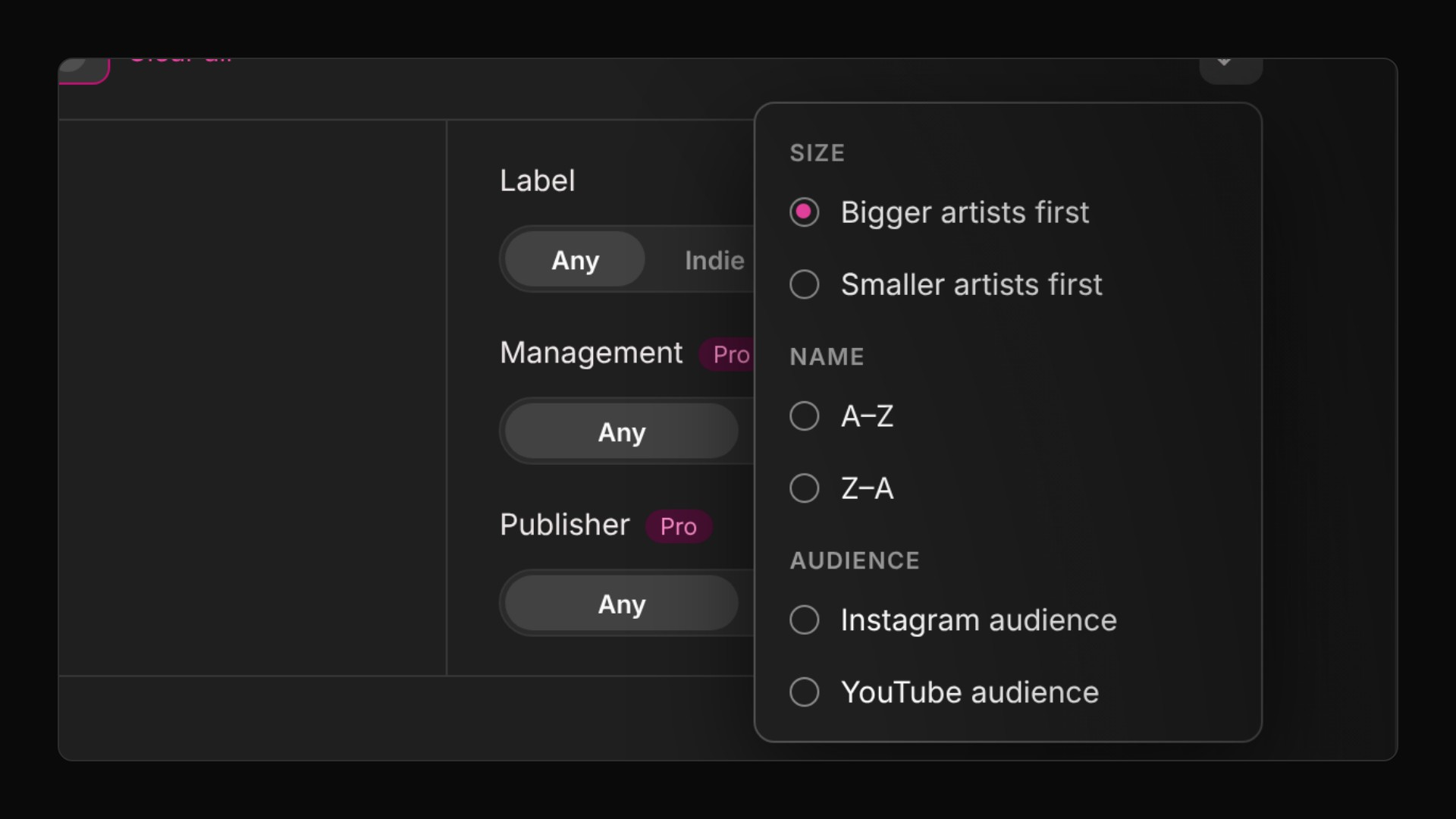
Once you have the right list, put it in the right order. The sort menu has six options:
Bigger artists first (the default)
Smaller artists first
A–Z and Z–A
Instagram audience
YouTube audience
Smaller artists first is the quickest way to surface developing acts on a big roster. Sorting works on top of any filters you've applied.
Where to find it
Roster filters are live now on every roster in ROSTR: agencies, labels, management companies and publishers, plus the rosters of individual agents and managers. Open any company or person profile, go to its roster, and the filter bar sits right above the list.
Quick filters, Genre, Artist size, Artist type, Gender, Label and sorting are available to everyone. The Management and Publisher facets in All Filters are part of ROSTR Pro.